

What is Video Encoding ?
Video Encoding is the process of converting RAW Video capture(which would be too large to transmit in its pristine form) into a manageable/compressed version by leveraging lossy video codecs(we will cover lossy and lossless compression in a different blog). Lossy Video Compression works by removing repetitive/redundant data from a video signal resulting in a smaller file size.
Below is a brief diagram of a Video Encoding Workflow
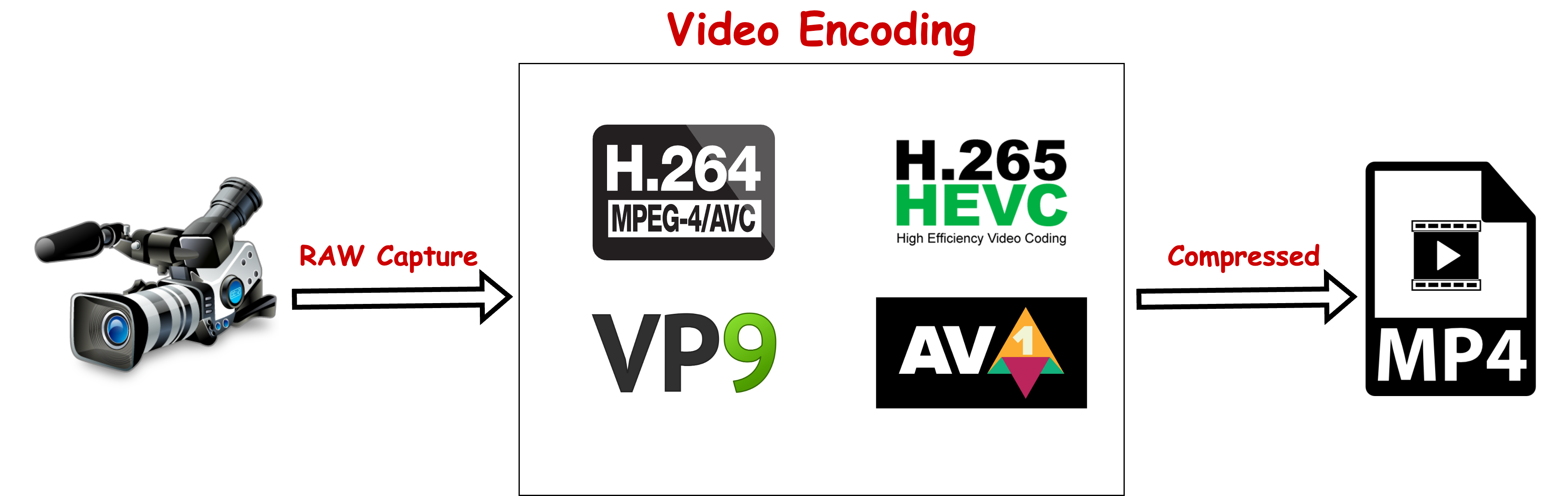
Here we see the source feed from a camera in its pristine form(RAW) being encoded in a compressed format using lossy methods/codecs. I have listed a few codecs in the middle box as an example.
Why Encode a Video ? Would this not reduce the quality of the video if it were to be processed with lossy technique ?
An uncompressed 60 second 24 bit video at 1080p(60 frames) would take up 22.35 GB at a rate of 2.98 Gb/s. The Average Bitrate for OTT streams can be anywhere between 1.5-2 Mbps going all the way up to 15-20 Mbps, certain services like Apple TV+ may go anywhere between 20-40 Mbps for their 4K streams which would be among the highest bitrates compared to the other big players in the OTT industry. Streaming at a rate of 2.98 Gb/s over the internet in its current state is out of the question. Even the kind of storage needed to store uncompressed video for a large video library would be quite a challenge, the likelihood of you running out of HDDs/Allocated Cloud Storage is quite high, there are corner cases for content producers to store uncompressed video which we will not go into for this discussion.
So what is Transcoding then ?
Transcoding is an umbrella term used for converting previously encoded videos to different formats/codecs, create multiple bitrates/resolutions(Transrating and Transsizing) from a source encode generally known as a mezzanine source file. Sometimes Transcoding is also loosely used for converting from one container format to another which is actually Transmuxing. We will go into more detail on Transsizing, Transrating and Transmuxing in a later blog.
Below is a brief diagram of Transcoding
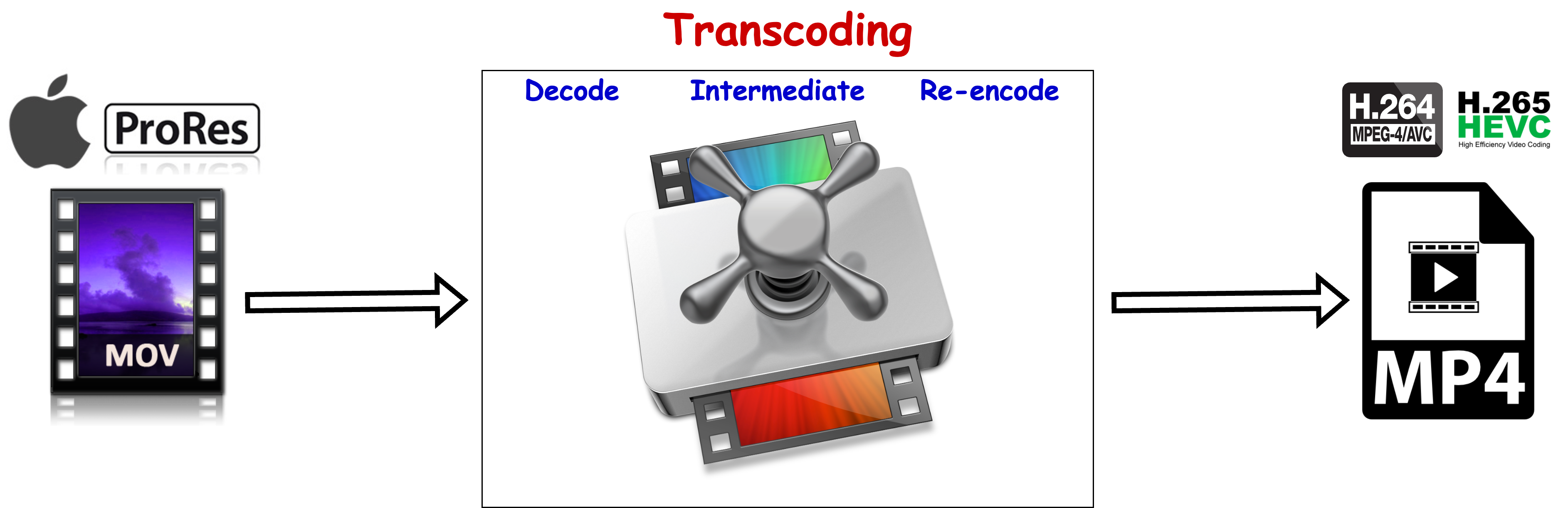
Here we see a video encoded in Apple ProRes Codec being transcoded to a h.264/h.265(based on choice) codec contained in MP4 file format.
Apple ProRes is in a line of Editing/Intermediate codecs which are used for video editing. Usually these codecs are Intra-Frame only, each frame is independent and can be decoded without any dependencies.
The process of Transcoding involves the following steps largely -
- Decode - The compressed video data is decoded to an uncompressed intermediate format
- Intermediate Format - Process/Alter the uncompressed video data
- Re-encode - Convert the processed uncompressed video data to the format/codec selected to create a new compressed version of the video
Hope this blog gave you a brief overview of these two terms - Encoding and Transcoding. I intend to cover them and some of the other underlying concepts(briefly touched upon in this blog) in more detail in my upcoming blogs.
Thank you for reading, Appreciate your time. Please leave a comment below if you wish to.

0 Comments